
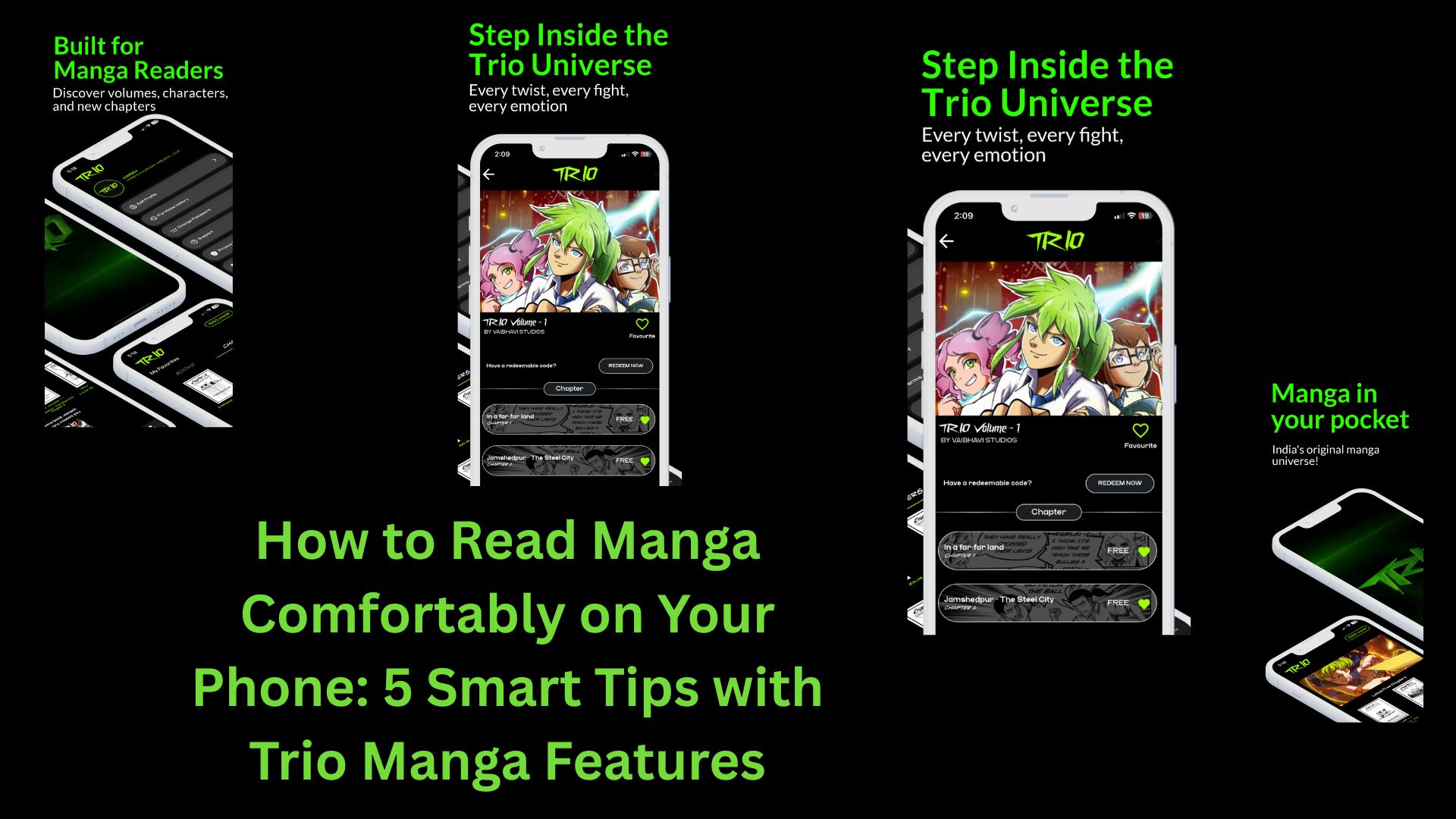

Reading manga on mobile has become the preferred choice for millions of fans worldwide. Whether you’re commuting, relaxing at home, or taking a short break, mobile devices offer unmatched convenience. However, comfort plays a big role in enjoying long reading sessions. That’s where Trio Manga enhances the digital reading experience with thoughtful UX features.
Here are 5 essential tips to help you read manga comfortably on mobile — and how Trio Manga supports each one.
1. Adjust Screen Brightness and Use Night Mode
Eye strain is one of the biggest challenges of reading on mobile. Adjusting your screen brightness according to your environment can significantly reduce discomfort.
Many readers prefer dark mode for late-night sessions. Trio Manga offers optimized display settings that maintain crisp artwork while reducing glare, allowing you to read for hours without straining your eyes.
Pro Tip:
Lower brightness in dark environments and switch to night mode to protect your eyes during extended sessions.
2. Use Vertical Scrolling for Seamless Reading
Traditional page-flipping works great for print, but mobile reading often feels smoother with vertical scrolling. It allows for uninterrupted immersion in the story.
With Trio Manga, the UX is designed for fluid navigation. Smooth scrolling minimizes lag and keeps transitions natural, helping readers stay focused on the storyline rather than the interface.
3. Customize Zoom and Panel Viewing
Manga artwork contains detailed expressions, action lines, and background art that deserve close attention. On smaller screens, zoom features become essential.
Trio Manga ensures high-resolution pages so you can zoom in without losing clarity. This is particularly useful for dramatic scenes or intricate illustrations that demand a closer look.
4. Take Advantage of Bookmark and History Features
There’s nothing more frustrating than losing your place in a gripping chapter. A good manga platform should make it easy to resume reading instantly.
Trio Manga includes smart bookmarking and reading history features, allowing you to continue exactly where you left off. Whether you’re juggling multiple series or re-reading favorite arcs, seamless tracking enhances comfort and convenience.
5. Optimize Your Reading Environment
Comfort isn’t just digital — it’s physical too. Maintain good posture, use a device stand when possible, and take short breaks every 20–30 minutes.
Pairing these habits with the intuitive design of Trio Manga ensures a smooth and enjoyable reading experience. The clean interface reduces distractions, letting you focus purely on the storytelling.
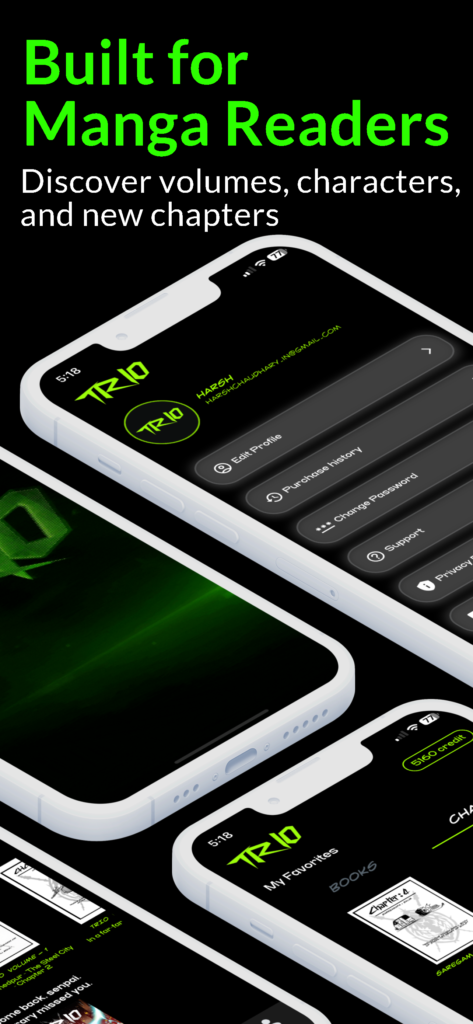
Why Trio Manga Enhances Mobile Reading
Not all manga platforms are built with mobile readers in mind:
- Fast loading speeds
- High-quality image rendering
- Clean, clutter-free interface
- Responsive mobile design
- Easy navigation between chapters
These UX features make it easier than ever to immerse yourself in your favorite stories anytime, anywhere.
Final Thoughts
Reading manga on mobile should feel effortless and enjoyable — not tiring or frustrating. By adjusting your settings, using smart features, and choosing a platform optimized for comfort, you can dramatically improve your experience.
With its user-friendly interface and mobile-first design, Trio Manga offers everything modern readers need for comfortable, immersive storytelling on the go.